THE SHORT ANSWER
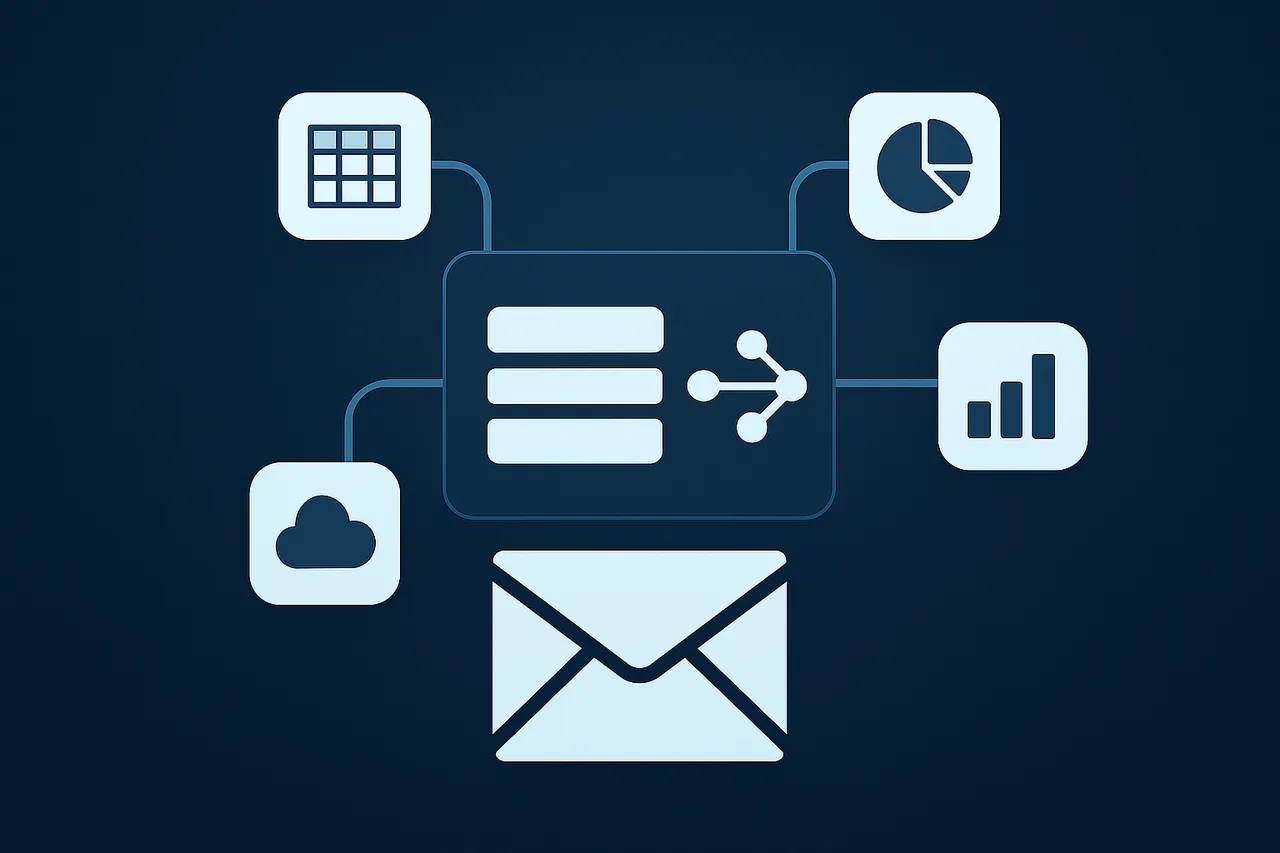
Power BI consulting connects business questions, data models, and reporting experiences. On Beat Digital combines dashboard work with the source integration, transformation, and validation needed to make the reported measures understandable.
The visible dashboard is only one part of reporting. Behind it are source permissions, identity relationships, refresh jobs, filters, and definitions. We work across those layers so the people using the report can understand both the number and its limits.
Relevant experience
Power BI appears across our published enterprise data integration and predictive analytics work. Our reporting environment also includes gateway operations and client data delivery, while our analytics services span Power BI and Tableau.
Design around a decision, not a chart collection
We start by identifying the audience and the action a report should support. Marketing operations may need campaign and funnel views. Leadership may need a concise explanation of movement and drivers. Analysts may need detail, filters, and reconciliation outputs.
Those users can share a data foundation without sharing every visual. We organize measures, comparisons, and drill paths around the question, with enough context to prevent a chart from suggesting a conclusion the underlying data does not support.
Model source data before visualizing it
CRM, Eloqua, web analytics, advertising, and operational data often use different identifiers and reporting windows. We define relationships and measures before presenting them as a single customer journey or cost-per-lead view.
A reporting dataset can be delivered through a warehouse, SQL views, prepared files, or a scoped REST API. We document the source of each measure, its grain, and the assumptions used to connect it to other data. That makes future changes easier to reason about.
Refresh, gateways, and operating responsibility
Access to a dataset is not the same as a reliable refresh path. We review where the source lives, which credentials are used, whether a gateway is involved, and how a failed or delayed refresh is recognized.
Microsoft describes its on-premises gateway as a bridge between local sources and cloud services. The gateway, data source permissions, network access, and refresh ownership all need to be considered within the actual client environment. We do not assume that publishing a report settles those dependencies.
Report engagement and lead performance honestly
Campaign reach, clicks, resource interactions, submitted forms, contacts, and opportunities are different measures. We define the steps and denominators before showing conversion rates, pipeline contribution, or cost per lead.
Recurring reporting can include reconciled monthly tables, concise findings, and an explanation of tracking changes or excluded data. SharePoint and Microsoft 365 may support approved collaboration and distribution, with access and document ownership defined by the client.
What an engagement can deliver
- Reporting model
- Measures, relationships, and source definitions supporting the report.
- Stakeholder dashboard
- Views and drill paths aligned to the intended decision.
- Refresh and access handoff
- Source ownership, connection dependencies, and operating requirements.
- Findings report
- A readable explanation of results, exceptions, and recommended next actions.
Questions & answers
Can you improve existing Power BI reporting?
Yes. We can review a current report, data model, source integration, or refresh process, then prioritize improvements around the questions stakeholders need answered.
Can you connect a client API to reporting?
A defined API can be part of the delivery design. We scope authentication, schema, refresh, historical coverage, and the reporting consumer rather than assuming that every endpoint is ready for every dashboard.
Do you also work with Tableau?
Yes. Tableau is part of our analytics service offering. The data foundation and business definitions matter regardless of the reporting interface selected for the engagement.